Secure Checkout | Easy Returns | Shop Tech with Confidence





Davinci Resolve Studio
- 0.0/5 0 Reviews
- Write a review
Availability : In Stock
Delivery : Wednesday, 04 February
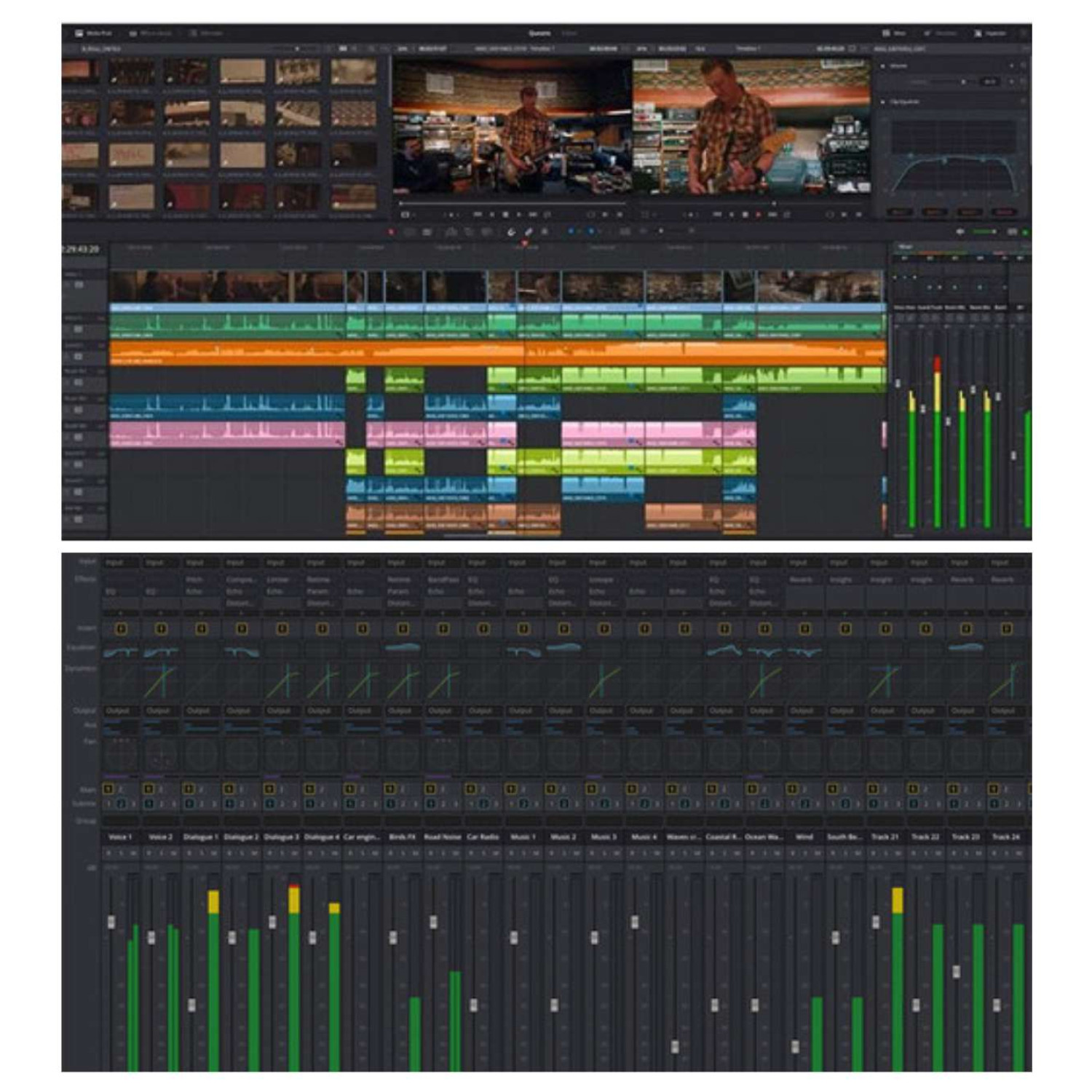
Blackmagic Design DaVinci Resolve Studio is a powerful non-linear editing (NLE) software used worldwide for projects ranging from independent films to high-end feature films, TV shows, and visual effects. It combines professional 8K editing, advanced HDR color grading, VFX compositing, and next-generation audio post-production in one unified application.
With over 100 new features and 200 improvements, DaVinci Resolve Studio introduces AI-powered tools like Magic Mask for targeted grading, DaVinci Neural Engine face detection, and Smart Reframe for social media. It supports Fusion compositions directly in the Cut and Edit tabs, offers proxy media workflows, and enables editing over 2000 audio tracks in real time with its advanced Fairlight audio engine. Compatible with Mac, Windows, and Linux, it’s the ultimate solution for editors, colorists, VFX artists, and sound engineers.
DaVinci Resolve Studio Technical Specifications
Key Features
DaVinci Resolve Studio offers advanced collaborative workflows through Blackmagic Cloud, allowing secure hosting and management of cloud-based project libraries with Blackmagic ID. Intelligent path mapping automatically relinks files, while significant performance improvements optimize large project handling and network-based workflows. The new Proxy Generator app automates proxy creation within watch folders, enabling users to prioritize either proxies or camera originals. Proxy files located in subfolders are automatically assigned in the media pool for efficient editing.
Media and Editing
Editors can stabilize Blackmagic Pocket Camera clips using built-in gyro metadata and take advantage of comprehensive subtitle tools, including TTML, XML, and embedded MXF/IMF subtitle support. Subtitles can be viewed, imported, relinked, and managed with multiple regions and captions per track, along with customizable text positions and presets. Editing features include reversing transitions, displaying up to 25 multicam angles, improved clip duration visibility in the Edit Index, and easier navigation of keyframes. Smart bin filtering, render-in-place shortcuts, and multi-clip Fusion resets further streamline the workflow.
Color Grading
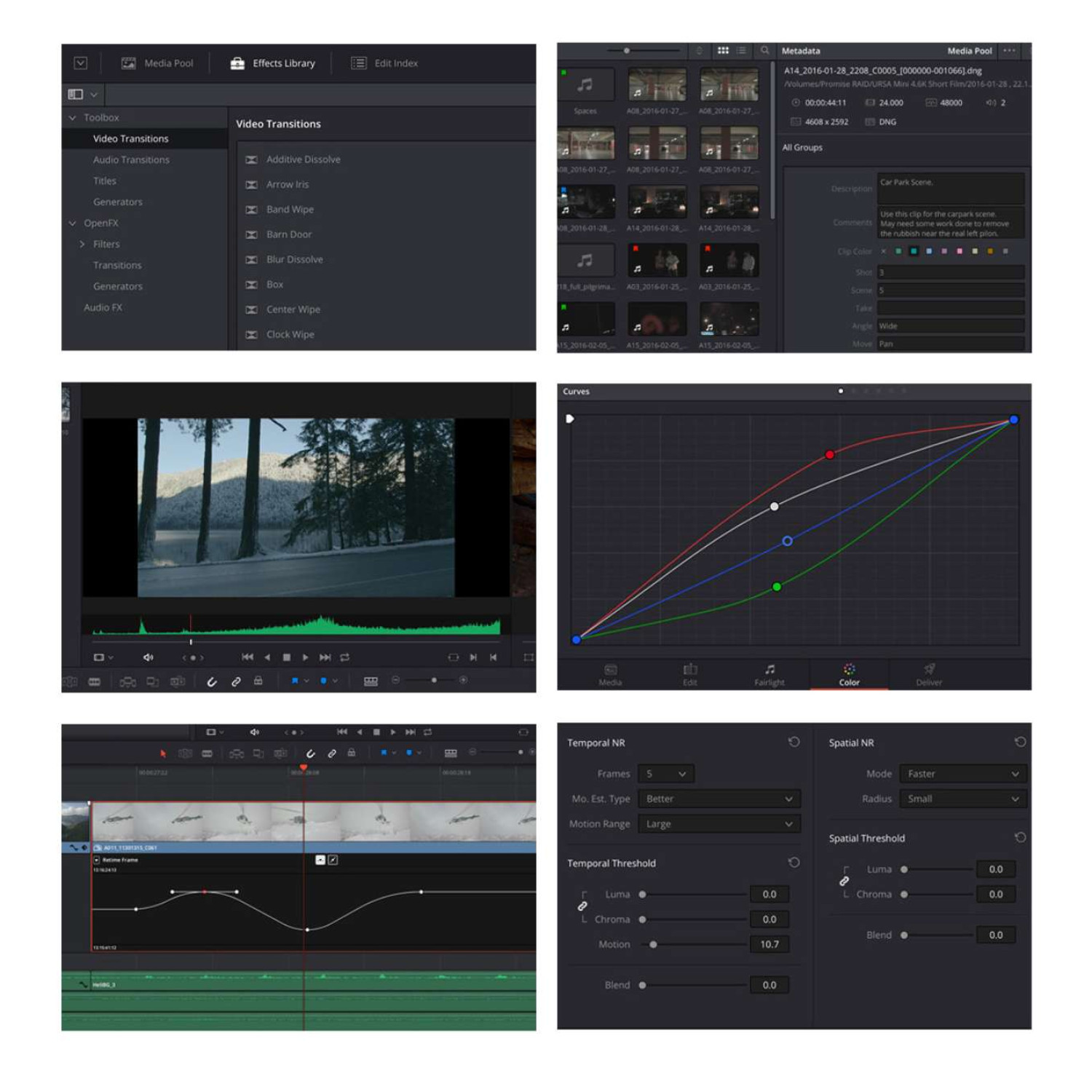
DaVinci Resolve Studio’s Color Page introduces the object mask in Magic Mask, ACES support for Blackmagic Gen 5 formats, and compatibility with the HDR Vivid standard. Remote grading is enhanced with clip group syncing and bidirectional tracking on advanced panels. Dolby Vision highlight clipping, bypassing color outputs, fast review playback, and automatic key mixer connections are also supported. Resolve FX updates include the new Depth Map, Surface Tracker, Fast Noise, Despill, improved Beauty mode, and enhanced chromatic aberration controls.
Fairlight Audio
Fairlight delivers professional audio post-production with features like fixed bus to FlexBus conversion, Dolby Atmos immersive mixing (including binaural monitoring), and native Atmos support for Linux and Apple silicon. Users benefit from track and bus reordering, precise nudge controls, enhanced equalizers and dynamics, new audio presets, and improved plug-in management. Additional updates include waveform accuracy improvements, audio gain on range selections, VCA/bus spill on consoles, and streamlined Fairlight Desktop Console integration.
Fusion Visual Effects
Fusion supports multi-button mode selection, Python 3 scripting, and live previews for Text+. Performance enhancements include GPU-accelerated paint tools, a faster duplicate tool with advanced controls, and smoother animations for text and ripple titles. New blend modes, an animated Custom Poly mask modifier, and improved effects such as night vision and glitch expand creative capabilities for motion graphics and compositing.
Codecs and Export Options
DaVinci Resolve Studio supports Blackmagic RAW SDK 2.6, RED SDK 8.3, ARRI Alexa 35, Dolby Vision H.265 rendering, and CMYK TIFF decoding. Export options include a YouTube 1440p preset, HyperDeck format, QuickTime RAW embedding, and custom quality settings. Metadata retention, ACES gamut compression overrides, and compatibility with professional delivery standards like IMF and DCP are also included.
General Enhancements
New general features include 10-bit viewer support on Windows and Linux, remote monitoring, Apple Neural Engine optimization, PostgreSQL 13 integration, and expanded localization options. Collaboration tools are improved with Finder tag importing, Final Cut Pro XML v1.10 support, and Dropbox comment unlinking. Enhanced scripting APIs enable automation for Fusion compositions, project archives, and camera raw updates.
Cut Page Features
The Cut Page includes metadata viewing, clip sorting, Smart Reframe for social media, trimming against audio waveforms, live preview for effects, and ATEM Mini project import. An updated clip inspector makes quick edits more efficient.
Additional Resolve Studio Features
Studio-exclusive tools include advanced noise reduction, lens distortion correction, HDR scopes, stereoscopic 3D, remote grading, DaVinci Neural Engine AI tools, Dolby Atmos mastering, IMF/DCP encoding and decoding, scripting and automation support, and Dolby Vision mastering.
Pre-Installation Requirements
Minimum supported PostgreSQL version is 9.0 (13 recommended). 10-bit viewers on Windows and Linux require a compatible GPU and display.
-
Mac: macOS 11 Big Sur, 8GB RAM (16GB for Fusion), GPU with 2GB VRAM, Metal/OpenCL 1.2 support.
-
Windows: Windows 10 Creators Update, 16GB RAM (32GB for Fusion), GPU with 2GB VRAM, OpenCL 1.2 or CUDA 11 support.
-
Linux: CentOS 7.3, 32GB RAM, discrete GPU with 2GB VRAM, OpenCL 1.2 or CUDA 11 support.
Package Contents
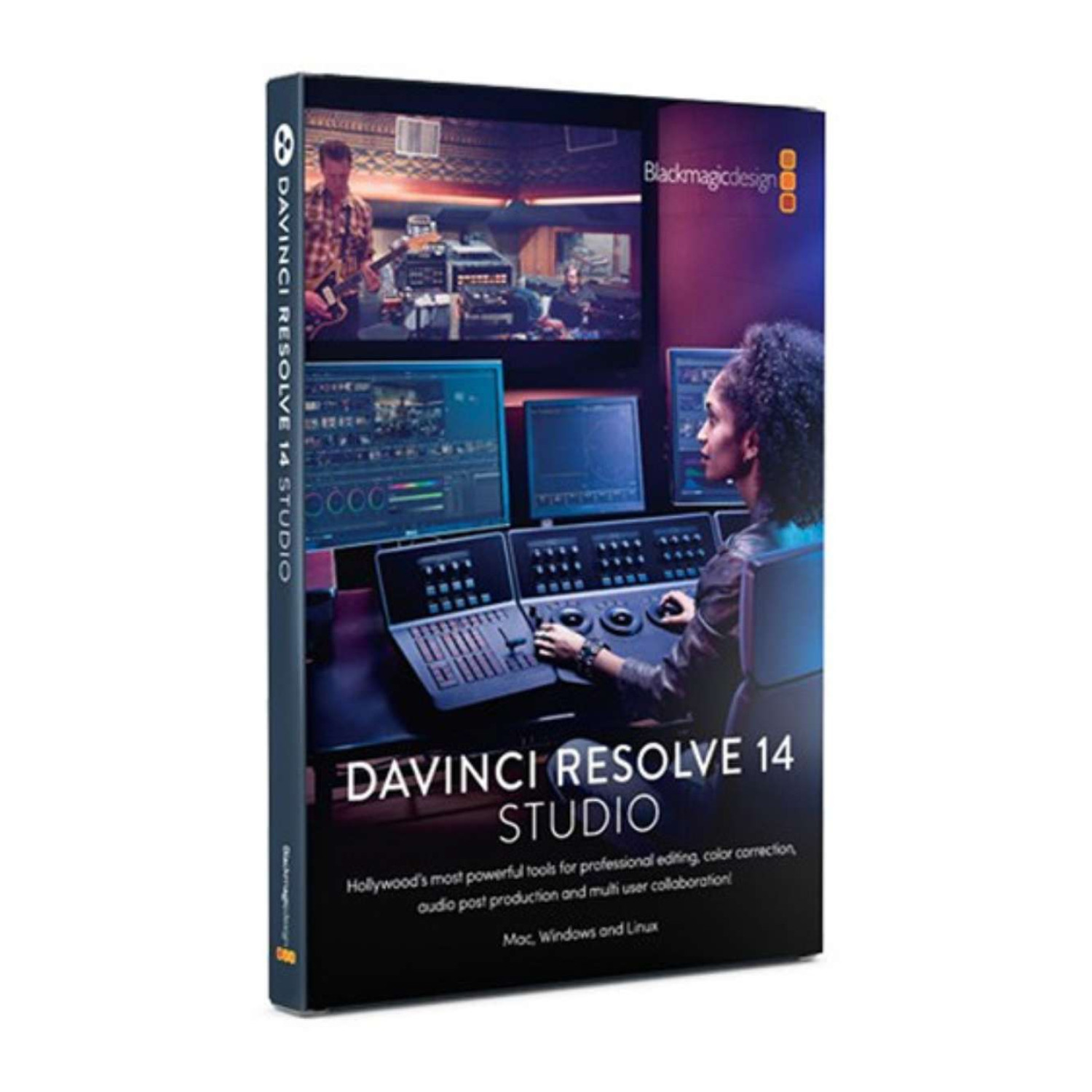
Blackmagic Design DaVinci Resolve Studio (Retail Box), perpetual license for one user.
Packaging Info: Weight – 0.07 lb; Dimensions – 7.5 × 3.35 × 0.1 in.
-
Based on 0 Reviews
join our community
We love to see you show off your best setup! Join the fun to get inspired and share the spotlight



Order and Service
Pakshal Ranka : +91 75060 88411 / Ritish Gupta : +91 81695 78047
